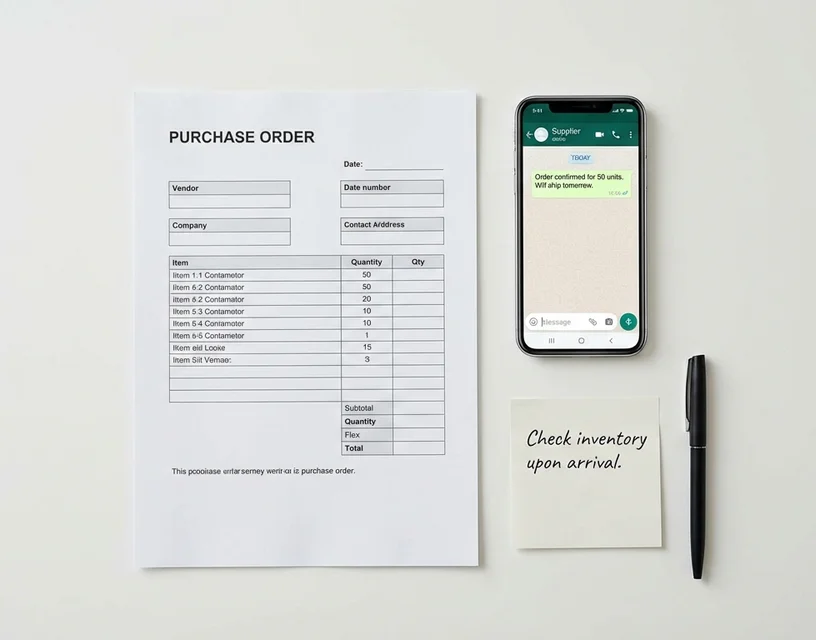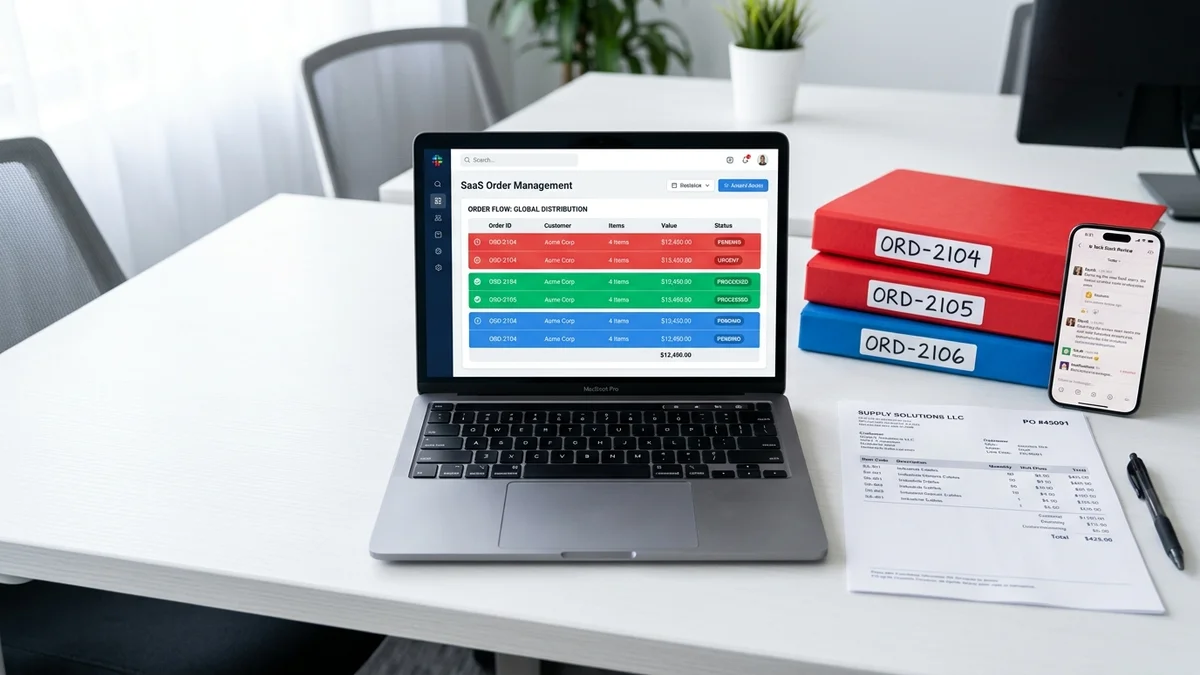
Esker is a capable platform for accounts payable teams. Finance departments use it to process invoices, credit notes, and supplier documents without manual data entry. That's what it was built for, and it handles it well.
Distribution order desks have a different problem. Not invoice capture — order intake. A CSR opening 60 emails Monday morning, each one a different customer writing differently. One sends a structured PDF. One sends "same as last month but double the 40mm fittings and skip the valves." One sends a photo of a handwritten list from the warehouse floor.
That's not an AP automation problem. It's an order interpretation problem. And that distinction is what this article is actually about.
Why distribution businesses look beyond Esker for order processing
Esker's core product vs its order processing module
Esker launched as an accounts payable automation platform. The original design centered on supplier invoice capture — taking unstructured invoices from many suppliers and routing them through approval workflows. That heritage shapes how the product thinks about document processing today.
The order management module was added later. It handles incoming customer purchase orders and connects to ERP systems. For companies that already use Esker for AP automation, the order module is a natural add-on to an existing vendor relationship. No new procurement cycle, no new integration work.
But for companies evaluating vendors specifically because their order desk is overwhelmed by unstructured email orders, the story is different. You're buying a secondary feature on a platform whose roadmap, support resources, and integration depth are all optimized for AP automation.
That matters in practice. Esker's order module works within the AP platform's architecture. It does not drive it.
Where Esker's approach breaks for distribution order intake
The orders that consume the most CSR time in a typical distribution operation are not the ones Esker handles best.
A clean PDF purchase order with product codes, quantities, and a ship-to address: Esker processes this. So does every tool on this list.
The problem is everything else. A customer who emails "need 40 of the blue 25mm ones and see if you have the bigger fitting" — using product descriptions your catalog doesn't recognize as SKUs. A photo of a handwritten list. A spreadsheet with the customer's internal part numbers that don't map to anything in your system. An email that says "same as last month but skip the gaskets." A message in German from a buyer who has never learned your product codes.
Processing any of these requires understanding what the customer means, not matching characters to fields. Esker's order module wasn't designed for this. It processes documents with predictable structure. When the structure is absent, variable, or informal, the order goes back to manual — back to the CSR, back to the queue, back to the exact bottleneck you wanted automation to solve.
For distributors where unstructured orders make up 30% or more of daily volume, this gap is where most of the labor, most of the errors, and most of the customer friction concentrate.
The 5 best Esker alternatives for distribution order automation
1. OrderFlow — purpose-built for format variability
OrderFlow was built for the specific problem Esker's module doesn't solve: orders arriving in formats no template can predict.
The system monitors your order inbox and reads every incoming message using AI language understanding, not document templates. Free-text emails. PDF purchase orders. Scanned handwritten notes. Photos of lists. Spreadsheets with non-standard codes. Informal requests. Mixed-language messages. The AI processes all of them by understanding what the customer is asking for — not by matching text positions on a page.
Each interpreted line item gets a confidence score. High-confidence matches move to your ERP automatically. Anything below the threshold routes to a review queue, where your team sees the AI's interpretation next to the original order. Nothing uncertain enters your ERP without a human check.
Production proof: At Meesenburg Romania, a building materials distributor with a genuinely variable order mix, OrderFlow achieved a 98% no-modification rate across all incoming formats. 50% of orders run fully automated with zero human involvement. Those are live production numbers from a real deployment, not a controlled demo with clean inputs.
ERP integration: Pre-built connectors for SAP, Microsoft Dynamics, and Sage. API-based integration for other systems. OrderFlow sits as an intake layer in front of your existing ERP — nothing downstream changes.
Deployment: Weeks. No template creation, no per-customer configuration. The proof of concept runs on your actual orders.
GDPR: European company, EU data residency, GDPR-compliant by design.
Best for: Mid-market distributors (50 to 500+ employees) where a meaningful share of orders arrive as free-text emails, scanned documents, or informal requests.
2. Conexiom — template-based, strong on structured formats
Conexiom is built for structured, high-volume order processing. EDI transactions, consistent PDF purchase orders, and stable document formats are where it performs well. For distributors where the large majority of order volume is structured and trading partner formats don't change often, Conexiom's automation rates on those formats are solid.
The limitation is template maintenance. Every customer format needs its own mapping. When a customer changes how they send orders — which happens constantly — the template breaks and IT has to rebuild it. For distributors with format variability, this overhead accumulates. The automation ROI on structured formats gets partially offset by manual processing costs and template rebuild time on everything else.
Best for: Distributors where 80%+ of order volume is structured EDI or consistent PDF POs, with IT resources available for ongoing template maintenance.
For a detailed look at the format flexibility trade-offs, the Conexiom alternatives guide covers the full comparison.
3. Rossum — document AI, broader use case
Rossum is a horizontal AI document processing platform. It uses machine learning to extract data from invoices, purchase orders, and other business documents across industries. The coverage is intentionally broad.
Where it works: high-volume document capture across multiple document types. Companies with a general document processing problem spanning AP, AR, and order intake can use one platform for all three. That breadth has real value for the right organization.
Where it struggles for distribution order processing: Rossum is a general-purpose tool, not a distribution specialist. Product catalog matching, confidence-scored SKU interpretation, and the specific handling of "same as last month" free-text orders are not its core design focus. Getting it to work well for distribution-specific needs takes configuration work and time. Starting price is around $18,000 per year.
Best for: Organizations needing broad document capture across multiple departments, where no single use case warrants a specialist tool.
4. Canals AI — emerging, U.S.-focused
Canals is a U.S.-based AI order processing platform that interprets order meaning rather than matching templates. North American customers report solid performance on unstructured email orders and faster deployment compared to template-based alternatives.
Where it works: AI-native architecture handles format variability well. The approach to free-text email interpretation is conceptually similar to OrderFlow.
Key limitation: U.S.-only presence. No EU data infrastructure, no published GDPR compliance framework. For European distributors, this isn't a minor feature gap. Customer order data is business-sensitive. Where it's stored and under which legal framework is a real compliance question, not a checkbox item.
Best for: North American distributors evaluating AI-native order processing without EU data residency requirements.
5. Esker (order module) — best if you already use Esker for AP
Worth naming directly: if your business already runs Esker for accounts payable or document management, the order module is the lowest-friction path. No new vendor relationship, no new ERP integration, no separate procurement process. Your IT team knows the platform.
The trade-off is clear from the rest of this article. The module handles structured POs well. It was designed for that. If your primary order pain comes from informal email orders, scanned documents, and variable-format requests, you'll still be doing meaningful manual work after the implementation.
Best for: Organizations already invested in Esker for AP and document automation, where order intake volume is moderate and most orders arrive in structured formats.
How to choose: AP automation vs order processing automation
The core diagnostic for any distributor evaluating Esker alternatives is one question: is your primary problem AP automation or order processing automation?
These are different problems. AP automation handles documents you receive from suppliers — invoices, credit notes, payment confirmations. The inputs are relatively standardized and the workflow is internal. Order processing automation handles what your customers send to you. The formats vary by customer, change over time, and often include no product codes at all.
If your finance team is driving the Esker evaluation and order management is an add-on consideration, the order module may be sufficient. If your operations team is leading it because the order desk is underwater on formats that range from clean POs to photos of handwritten warehouse lists, you need a tool built for that problem. Not a module attached to a platform built for something else.
Two questions that sharpen the choice:
What share of your daily orders arrive in unstructured formats? Count the free-text emails, the "same as last time" messages, the spreadsheets with non-standard codes, the scanned notes. If that number exceeds 30% of daily volume, the cost of manual processing and errors on those orders outweighs the convenience of staying within an existing platform relationship.
What is the root cause of your order desk workload? If it's invoice and document processing overhead, Esker is purpose-built for that. If it's interpreting what customers mean when they don't send a clean PO, a purpose-built order processing tool closes the gap that AP automation platforms leave open.
Our sales order automation guide covers the full evaluation framework for distributors building a business case.
Real distribution proof: Meesenburg Romania
Numbers from a vendor's materials are easy to produce. Results from a named customer processing real orders are harder to argue with.
At Meesenburg Romania, a building materials distributor operating in a variable order environment, OrderFlow's production deployment achieved:
- 98% of orders required no modification after AI processing
- 50% of orders fully automated with zero human involvement
- Input mix: structured POs, free-text emails, informal requests, and mixed formats
The 98% figure covers the full incoming spectrum. Not just the clean structured orders that any tool handles. It includes the emails that say "need the usual plus something for the Cluj job" and the scanned lists from customers who have been ordering by hand for years.
That's what separates a purpose-built order processing solution from an AP platform with an order module. Esker's module was not designed to interpret those inputs. That's not a criticism of Esker — it's a product fit question. AP automation and distribution order intake automation are not the same problem, and the tool that solves one well doesn't automatically solve the other.
See How OrderFlow Handles Your Order Formats
Frequently Asked Questions
What is Esker used for in distribution businesses?
Esker is primarily an enterprise document automation platform covering accounts payable, accounts receivable, procurement, and order management. In distribution, some businesses use its order management module to process incoming customer orders. The module handles structured document formats reasonably well — PDF purchase orders, XML, EDI. Where it struggles is with the format variability common in distribution order intake: free-text emails, handwritten notes, informal requests. Esker was built for AP automation first. Order processing was added later.
Why do distribution businesses look for Esker alternatives for order processing?
Two reasons come up consistently. First, Esker's order processing is a module within a large AP automation platform — distributors pay for a full document management suite to solve one specific problem: getting variable-format customer orders into the ERP accurately. Second, the module handles structured inputs well but struggles on the free-text emails and informal orders that generate the most manual work on a typical distribution order desk. That gap is where the search for a purpose-built alternative usually starts.
How does OrderFlow compare to Esker for email order processing?
Esker's order module is designed primarily for structured document processing: PDF POs, XML, and EDI formats. Free-text emails require additional configuration and still fall short on informal or variable formats. OrderFlow was built specifically for unstructured email order processing — the system reads each email, understands what the customer is asking for, and matches it to the right SKU without templates or per-customer configuration. At Meesenburg Romania, this produced a 98% no-modification rate on a production order mix that included free-text emails, scanned notes, and informal requests.
Can I use an Esker alternative alongside my existing ERP?
Yes. Tools like OrderFlow function as an intake layer in front of your ERP, not as a replacement for it. The AI processes incoming orders, matches line items to your SKU catalog, and pushes confirmed orders to your ERP via pre-built connectors for SAP, Microsoft Dynamics, and Sage. Your ERP handles everything downstream — inventory, invoicing, fulfillment — exactly as before. The order processing tool handles the interpretation gap between how customers send orders and how your ERP needs to receive them.
What is the difference between AP automation and order processing automation?
AP automation handles documents your business receives from suppliers: invoices, credit notes, payment confirmations. Input formats are relatively standardized and the workflow is internal. Order processing automation handles what your customers send to you: purchase orders, email requests, informal messages. Formats vary by customer, change over time, and often include no product codes at all. AP automation processes known document types from a controlled set of senders. Order processing automation interprets intent from hundreds of customers who each communicate differently. Esker is built for the first problem. OrderFlow is built for the second.
Also evaluating Rossum? See Rossum alternatives for how the horizontal document AI platform compares to distribution-specific tools.
Compare OrderFlow to Your Current Tool — Book a Demo